


 Return


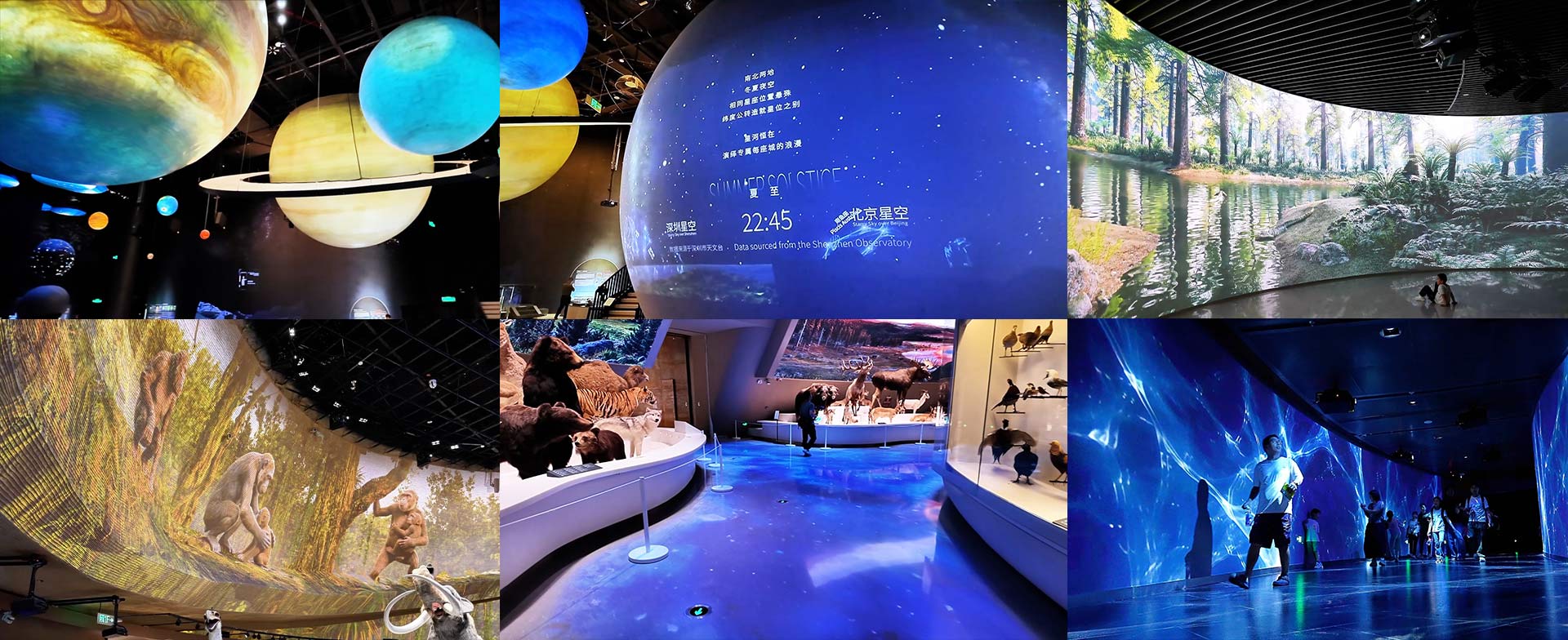
Museum visitors today expect more than a specimen behind glass. They want to walk through a Cretaceous Forest, stand inside a thunderstorm, watch constellations move across a ceiling. That expectation is why projection mapping has become a standard tool in museum design — not a novelty add-on.
But projection in a museum is not the same as projection in a conference room or a theme park. The surfaces are irregular, the lighting is controlled for conservation, the content has to be scientifically accurate, and the equipment runs seven days a week with almost zero downtime.
If you are planning a projection mapping museum design project — whether you are a curator, an AV designer, or a facility planner — here are the five decisions that will make or break the installation. Get these right before you issue a tender.
1. Map Every Surface Before You Spec a Single Projector
The most common mistake in museum projection projects is starting with the equipment. The correct order is: surface first, projector second.
Walk through every exhibition space and list each projection surface. A typical museum will have several types in a single building:
Flat walls (standard, easy)
Curved or panoramic walls (require edge-blending)
Spherical or dome surfaces (require fish-eye or specialized mapping)
Bowl-shaped screens (common in planetariums and ecology halls)
Sculptural terrain models and irregular set pieces
Gauze or scrim screens (for layered depth effects)
Interactive walls (with sensor-triggered content)
Each surface type drives a different projector choice, a different lens, a different software workflow, and often a different content format. If you spec one projector model for the whole building, you will either overpay in simple rooms or underperform in complex ones.
Practical step: Create a surface map for each hall. Note the shape, size, throw distance, ambient light level, and whether the surface is fixed or temporary. This map becomes the basis of your equipment specification.
2. Choose Laser Light Sources, Not Lamp-Based Projectors
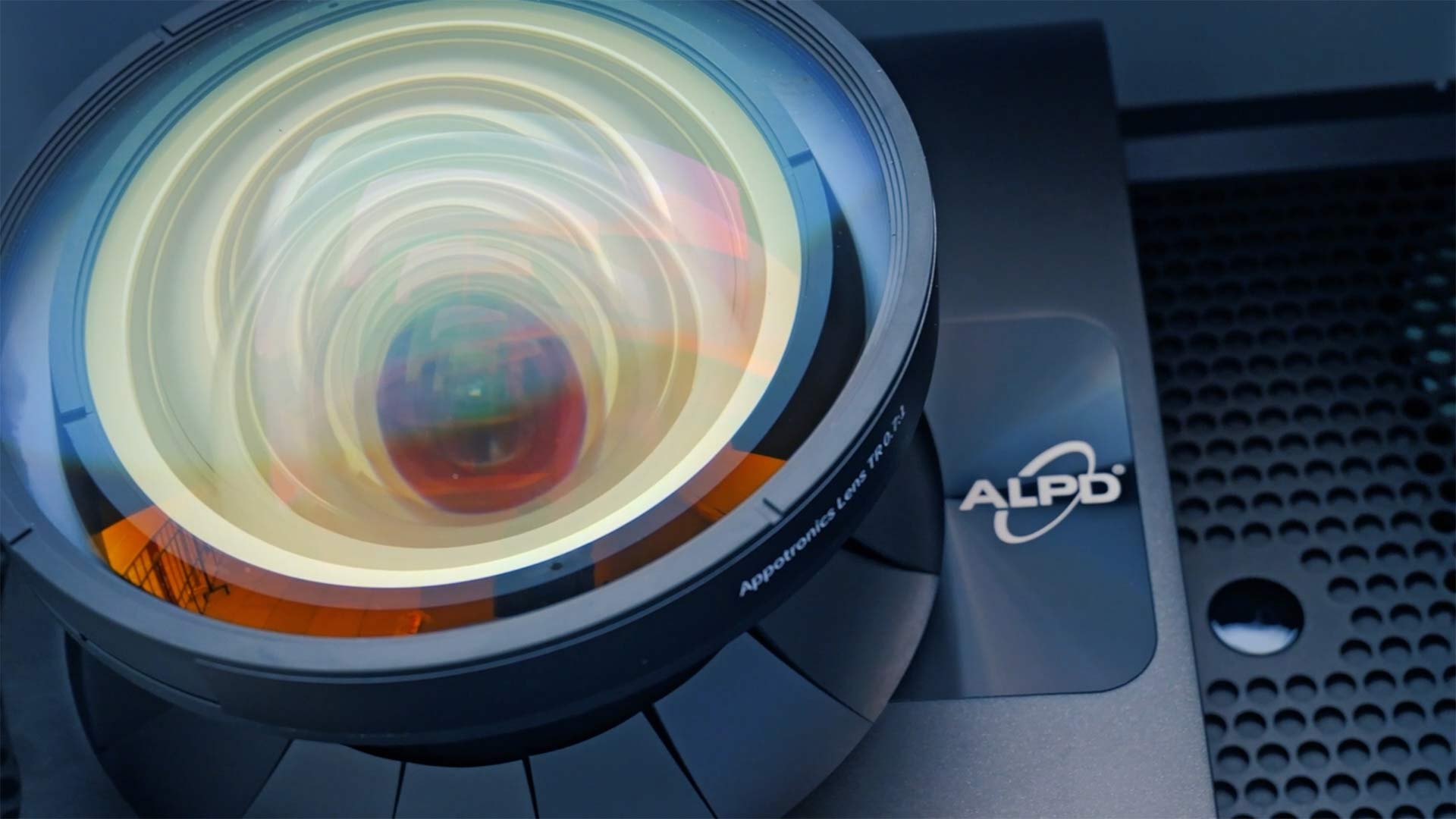
This is no longer a debatable choice. For any museum running more than four days a week, laser light-source projectors are the only sensible option.
Lamp-based projectors require bulb replacements every 2,000–4,000 hours. In a museum open 300+ days a year, that means shutting down an exhibit, opening a ceiling mount, replacing the lamp, recalibrating the image, and re-mapping the content — several times per year, per projector. Multiply that by 20 or 100 projectors in a large installation, and the maintenance cost alone can exceed the original equipment budget within five years.
Laser projectors hold their brightness for 20,000 hours or more, which translates to 8–10 years of daily operation in most museum schedules. The light output stays consistent, so you do not have to re-tune the mapping as the projector ages. Color gamut is wider and more stable, which matters when the content includes scientific imagery where color accuracy is part of the educational value.
At this point, we have to admit that a laser projector costs more upfront than a lamp-based one. But a laser light source lasts 20,000 hours or more — that is 8 to 12 lamp replacements you never have to buy, schedule, or pay a technician to perform. Across a fleet of 20 or 100 projectors, the savings in parts, labor, and downtime make laser the cheaper option over the life of the installation. Budget for laser from the start.
3. Design Content for the Narrative, Not for the Screen
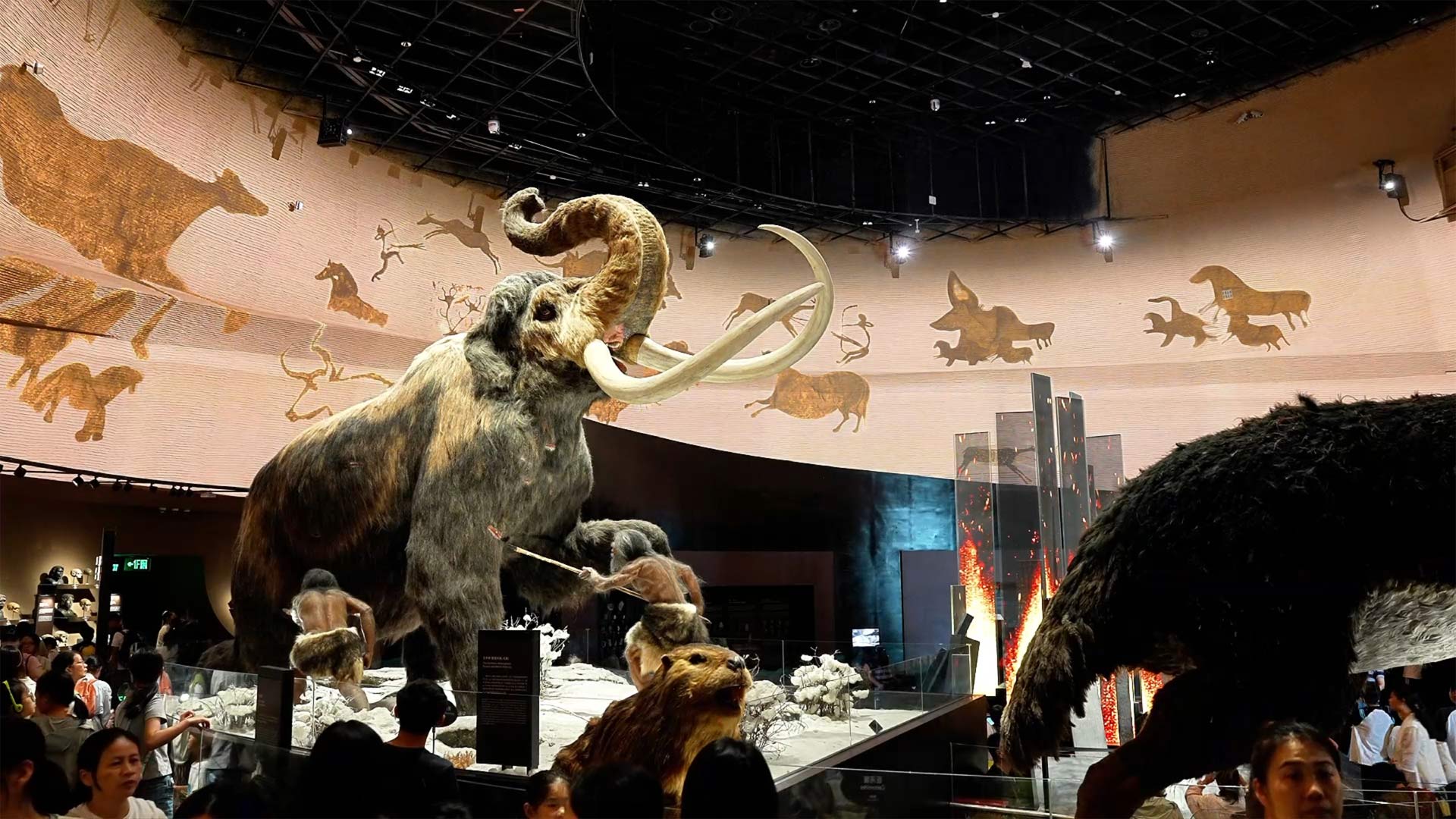
A frequent failure mode in museum projection is when the technology becomes the story. Visitors see impressive visuals but leave without understanding what the exhibit was actually about.
The content design process should start with the curatorial narrative, not the projector's aspect ratio. For each hall, define:
Then, and only then, design the visual content to fit that narrative onto the specific surfaces in that hall.
This sequencing also affects the software choice. Simple looping ambient content can run on a media player. Timed sequences synced across multiple projectors need a show-control system. Interactive content requires sensors and a content engine that can respond in real time.
The test to apply: If you removed every projector from the hall, would the physical exhibit still tell a coherent story? If the answer is no, the projection is carrying too much of the narrative weight. If the answer is yes, but the experience feels flat, the projection is not pulling enough weight. The right balance is when the projection and the specimens feel like they belong together - neither one works as well alone.
4. Plan for Ambient Light, Not Just Darkness
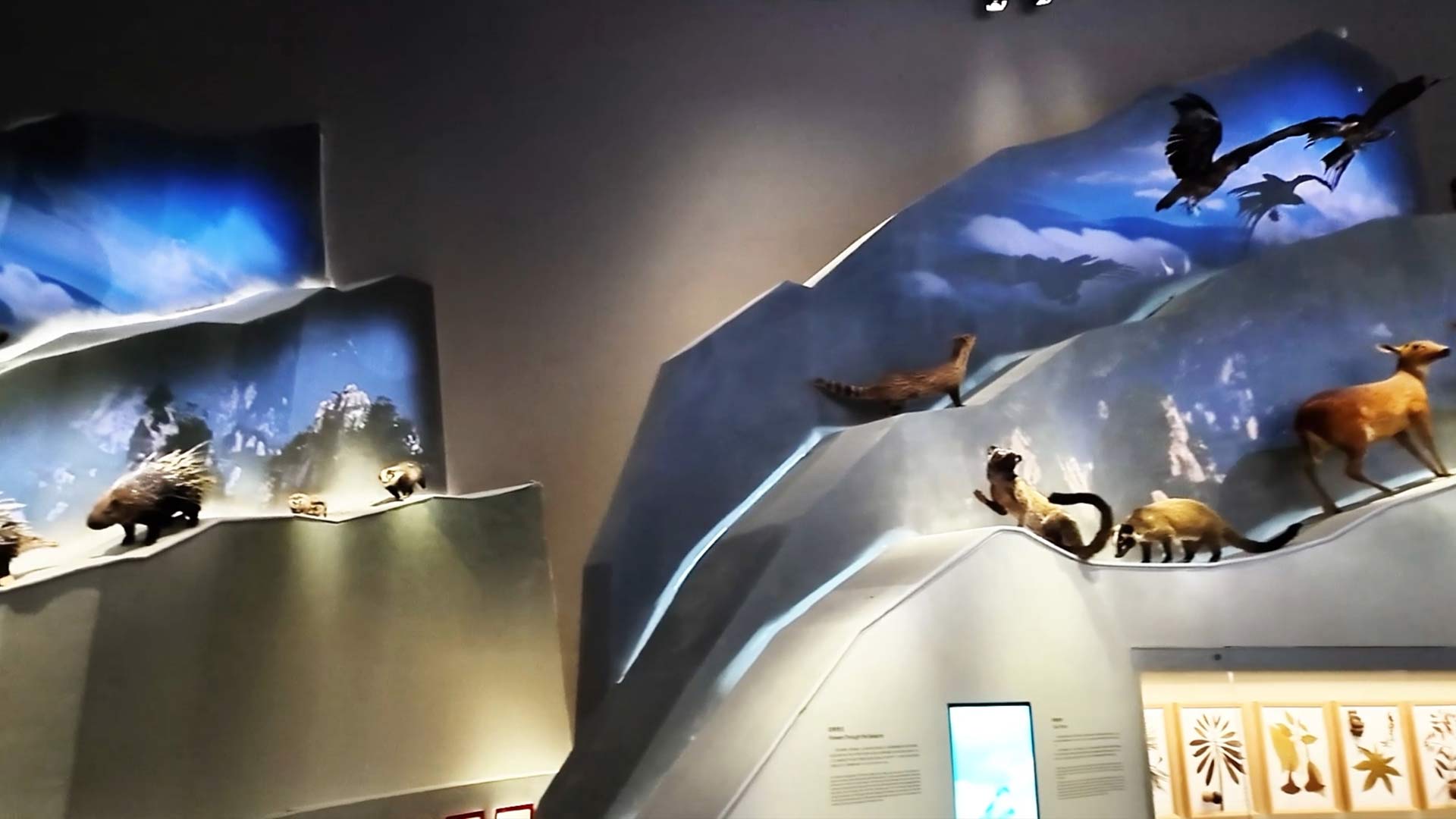
Museum designers often assume projection rooms will be dark. In reality, most museum galleries operate under carefully controlled but non-zero ambient lighting. Specimens need light to be seen. Emergency exits have lit signs. Other exhibits spill light into adjacent zones. Visitors' phones glow in the dark.
Design your projection system for the actual lighting conditions, not the ideal conditions. This affects three things:
Brightness. A projector that looks brilliant in a dark demo room may look washed out under gallery lighting. Specify brightness (lumens) based on measured ambient light at each installation point, not on the manufacturer's showroom demo.
Screen surface gain. Some projection surfaces amplify brightness at the cost of viewing angle. In a museum, visitors stand in multiple positions, so a wide viewing angle usually matters more than peak brightness. Test the surface with the actual projector in the actual lighting before committing to a full installation.
5. Build a Maintenance Plan Before You Install
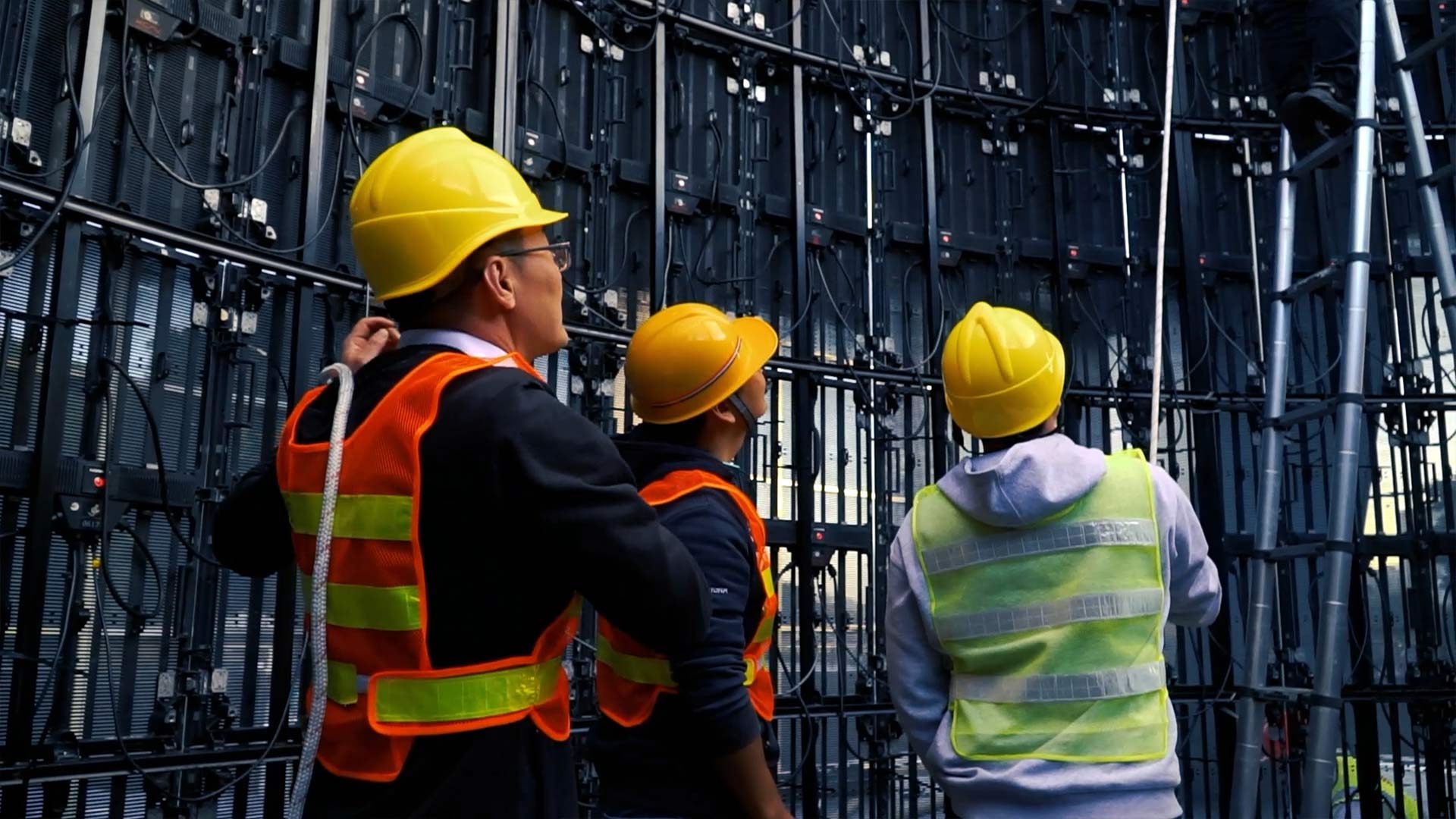
This is the decision most teams defer until after installation — and then regret it immediately.
A projection mapping museum installation with 50 or 100 projectors is not a one-time setup. It is a living system. Content will need updates. Projectors will need lens cleaning, firmware updates, and occasional recalibration. Mapping files can drift as buildings settle or as exhibit layouts change.
Ask these questions before signing any equipment contract:
The answers to these questions often matter more than the hardware specs. A well-specified projector with no maintenance plan will create more problems over five years than a modest projector with a solid support framework.
For large installations, push for a centralized control system that lets your AV team monitor projector health, update content, and adjust mapping from a single interface. The upfront cost is higher, but the operational cost over the life of the installation is dramatically lower.
Summary
Designing immersive museum projection is not primarily a hardware challenge. It is a design and operations challenge that happens to use projectors as the delivery mechanism.
The five decisions above — surface mapping, laser light sources, narrative-first content, realistic lighting assumptions, and maintenance planning — are the ones that separate installations that still work well after five years from installations that become dark screens within eighteen months.
If you are scoping a museum projection design project and want to talk through any of these decisions with a team that has deployed at scale, our solutions engineers have worked on installations from 10-projector galleries to 100-projector museums.
Related case study: Laser Projection Powers Shenzhen Natural History Museum →
Talk to our team: Contact us →